
iPad ·
The same airport.
A new way to take control.
A major iPad milestone: native touch controls, a landscape workspace and shared simulation. First screenshots and a clear account of the testing.
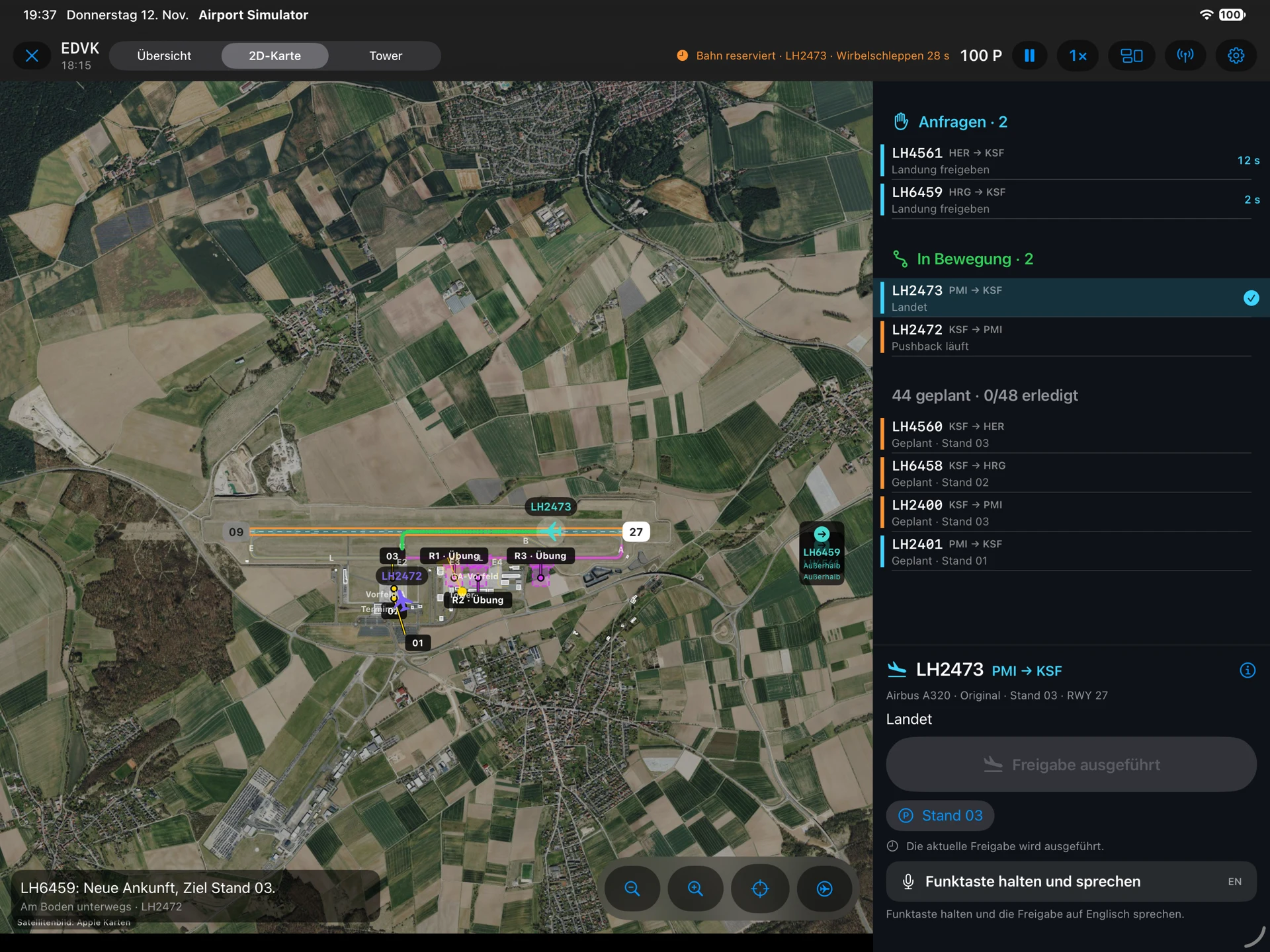
From spatial windows to a touch workspace
On Vision Pro, the tower surrounds you and panels occupy your space. On iPad, those decisions need a clear home on a screen. The new implementation is more than a resized spatial interface: it organises the scene on the left and keeps the request queue and main clearance on the right.
Pan the virtual tower camera, pinch to zoom, centre the view or aim at the selected flight. Switch to the airport overview or move and zoom the 2D map. Aircraft are selected by touch.
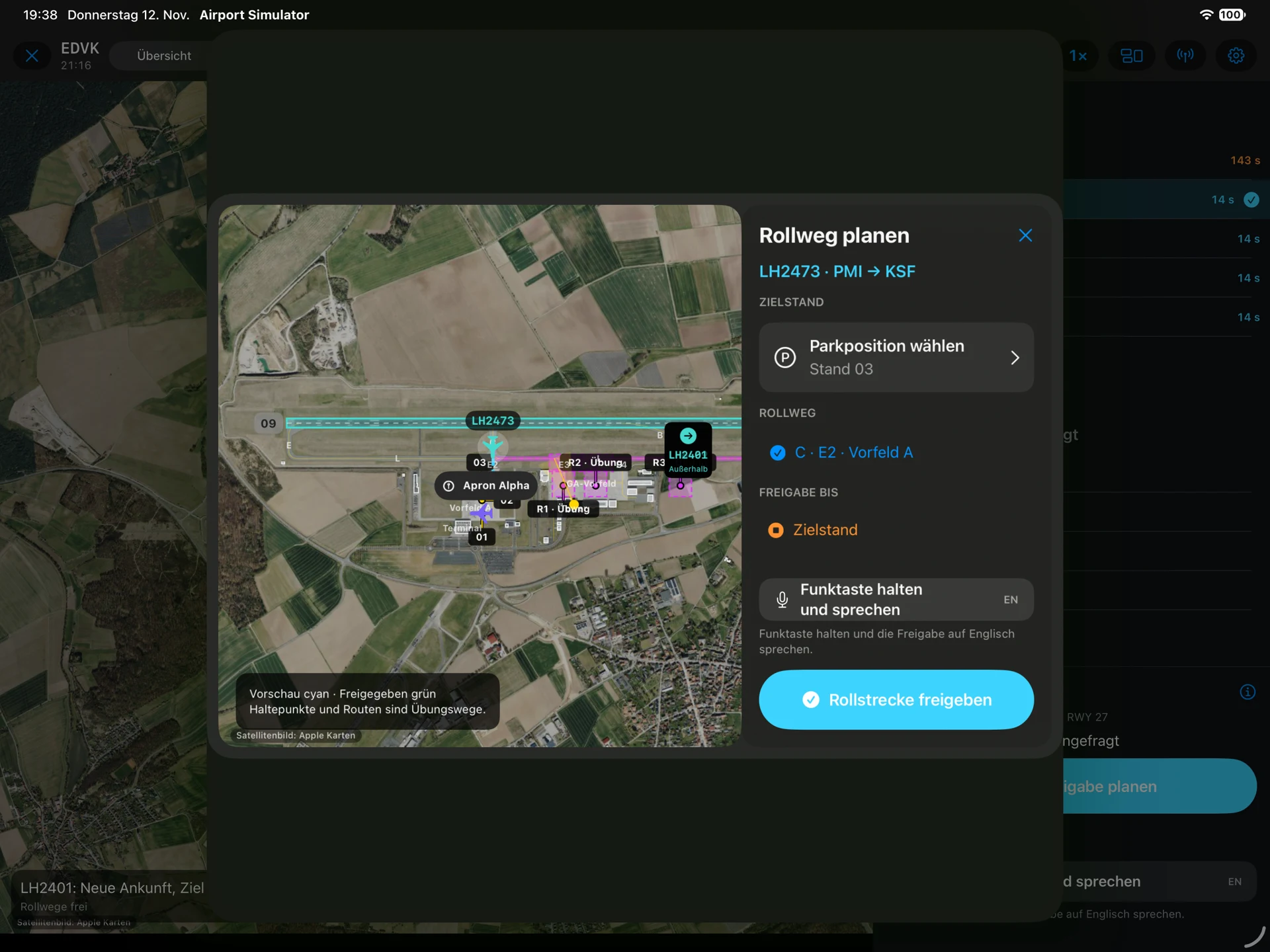
A complete development handoff, not a separate game
One product, with a common simulation core and device-specific presentation. The iPad work uses the same airport geometry, aircraft and operating rules, with a shared session coordinating commands and simulation time. It is delivered as an isolated integration package, not a second permanent simulation. The documented iPad scenarios are Kassel, Zürich, Hamburg-Finkenwerder and Princess Juliana. Newer changes to the main project still require integration.
Claude implemented the native iPad version in a separate working copy so Vision Pro development could continue in parallel. The handoff includes source changes, integration patches, build logs, UI tests and the screenshots shown here. Main-project integration is the next engineering step.
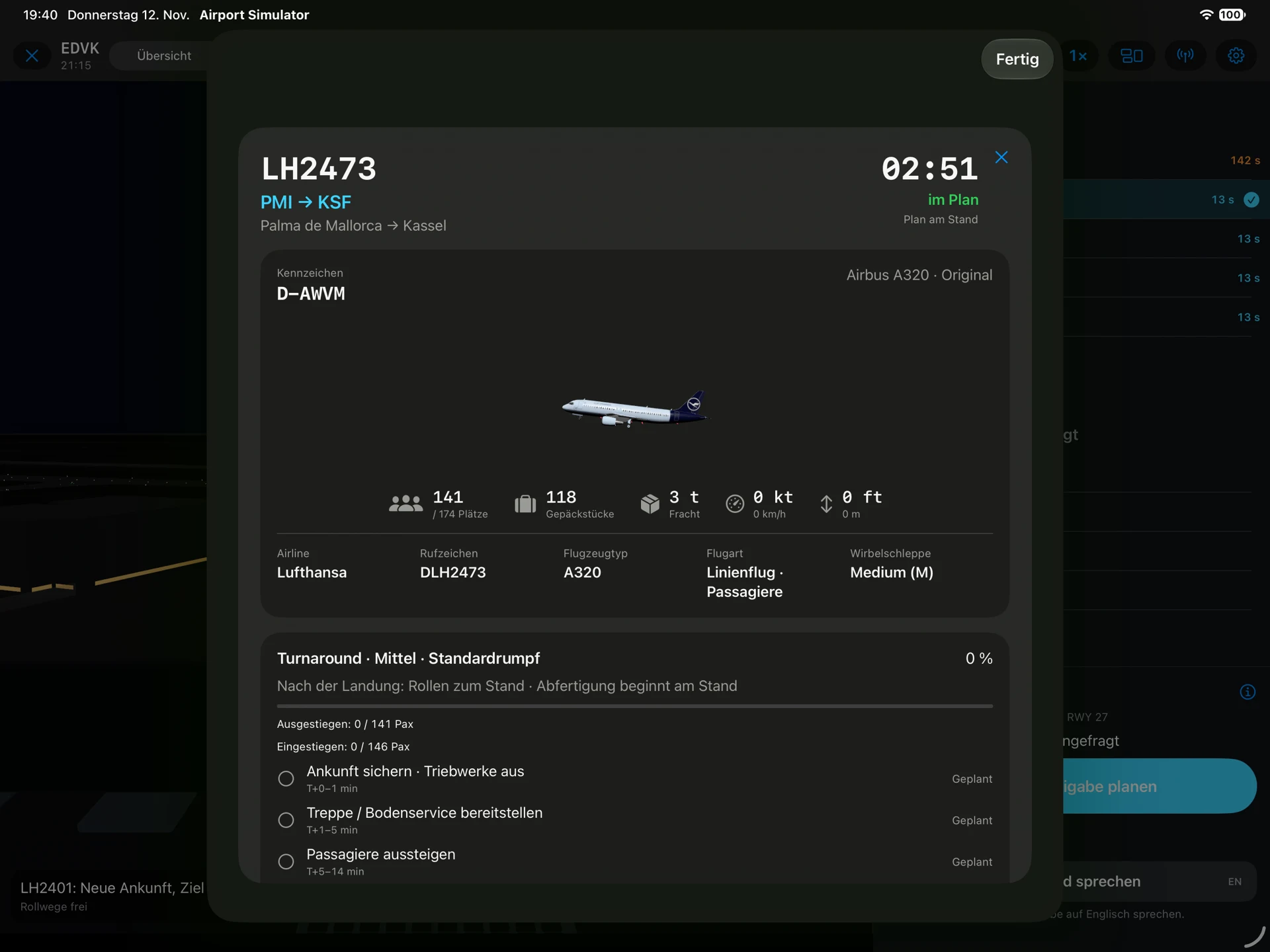
What is implemented, and what is verified
Flight strips, stand selection, taxi planning and turnaround information sit alongside the same clearance rules. Ground radar, schedule and approach radar open as larger monitor views. Push-to-talk is implemented; touch controls remain available without speech permission.
The documented landscape UI checks passed all eight scenarios on both iPad Pro 13″ and iPad Air 11″ simulators, followed by a passing full iPad UI run. The 12 new shared-session tests passed. The full core run had 293 passing tests out of 294; the remaining failure was reproduced in the starting snapshot and concerns an older stand-selection expectation. iOS and visionOS builds completed, with device builds unsigned. Simulator results are not hardware performance measurements.
What comes next
This delivery targets iPad, with an iPadOS 18 deployment target. iPhone support and cross-device multiplayer are future work. The shared command/session boundary prepares later multiplayer, but there is no networked game yet. Speech recognition and audio behaviour still need real-device checks. Screenshots show the actual simulator interface in German; the website is available in English and German.